How do I view my run in the NRC app?
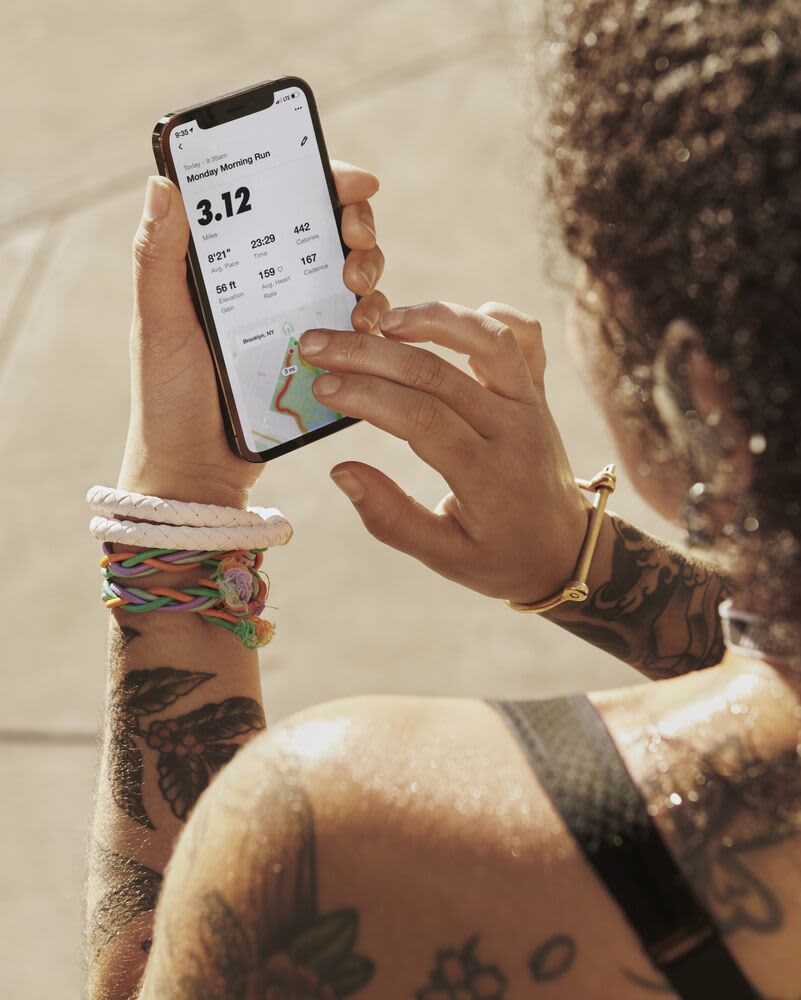
You might be tracking your progress towards a goal race or you might have a personal goal to run more often. No matter the goal, you can stay on top of things in the NRC App. When you tap the Activity tab, you have a lot of information at your fingertips.
Run Totals
At the top of the Activity tab, you can easily view your total distance, pace and time on feet by the current week, month or year, or even see your all-time totals. On the NRC App for iOS and Android, you can see all past runs. On Apple Watch and Android Wear, you can view your last five runs.
Recent Activity
You'll be able to view your five most-recent runs. Besides viewing your stats, you can tag the run with the shoe you used and indicate your effort and the surface type you ran on. You can even make notes to reference later.
All Activity
You can even view any run recorded with the NRC App. Tap "All Activity" to look back at a past run. You can scroll through your runs or filter your runs by different criteria by tapping the slider icon at the top of the page.
Achievements
Tracking your running isn't just about obsessing about your stats and if you're on pace to hit a goal. It's also about celebrating what you've done. In the Achievement section you can view past trophies won in an NRC Challenge, your activity streaks or your personal bests across different distances.
Related
Contact Us
Chat with us
7:00–0:007 days a week